
The recorder thatThe recorder that
wants to be playedwants to be played
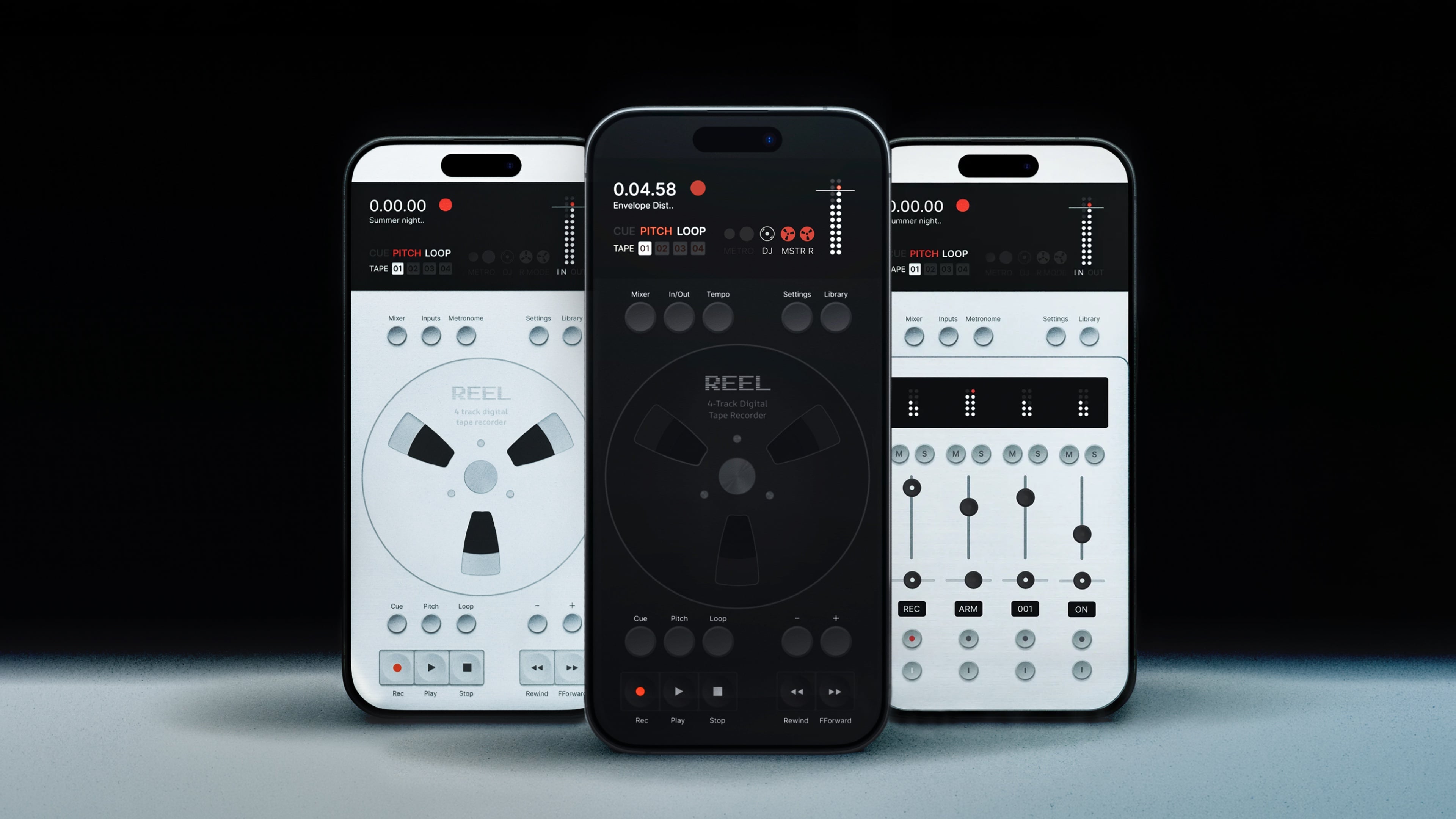
- Action Button recording
- Control Center and Lock Screen recording
- Siri recording
- Shortcuts support
- Record Length picker
- Mid-loop recording
- Beat-grid snap
- Reverse playback
- Reverse recording
- New scrub engine
- The tape voice
- DJ Mode
- Pre-roll capture
- Threshold recording
- Full latency compensation
- New tempo controls
- Custom time signatures
- Visual metronome
- Sample-accurate metronome
- Practice click
- Bars timeline
- MIDI sync
- MIDI record-arm
- MIDI Learn
- Bluetooth MIDI
- Cues on MIDI notes
- Ableton Link
- Start Stop Sync
- Master Record
- Resample
- Cue Library
- Cue preview
- All-new mixer
- Per-track meters
- Per-track input gain
- Multi-output routing
- Sample rate truth picker
- Add to Track
- Duplicate reel
- Video import
- State-aware export
- Printed stems
- Tape start/stop feels
- Semitone pitch mode
- Per-project memory
- Long-press quick actions
Update 1.5
The Full Reel Update
The biggest update since launch. Loop on the bar and stack takes without stopping.
Run the tape backwards. Scratch it like vinyl and print the whole performance with Master Record. Sync the transport to your hardware over MIDI or Ableton Link. Send every track out its own output. And when an idea lands, the Action Button starts a recording before the phone is unlocked. That's just some of the 46 new improvements:
The video
Now hear it
Watch some of the new features in use while sketching an idea with hardware instruments. All the music you hear was recorded in Reel.
Under the hood
2x the features. 3x lighter.
The engine was rebuilt around how tape physically moves. Scrubbing is sample-accurate, the transport winds like a real machine and the whole app runs cooler for longer sessions. Dozens of bugs went with it.
Start
recording
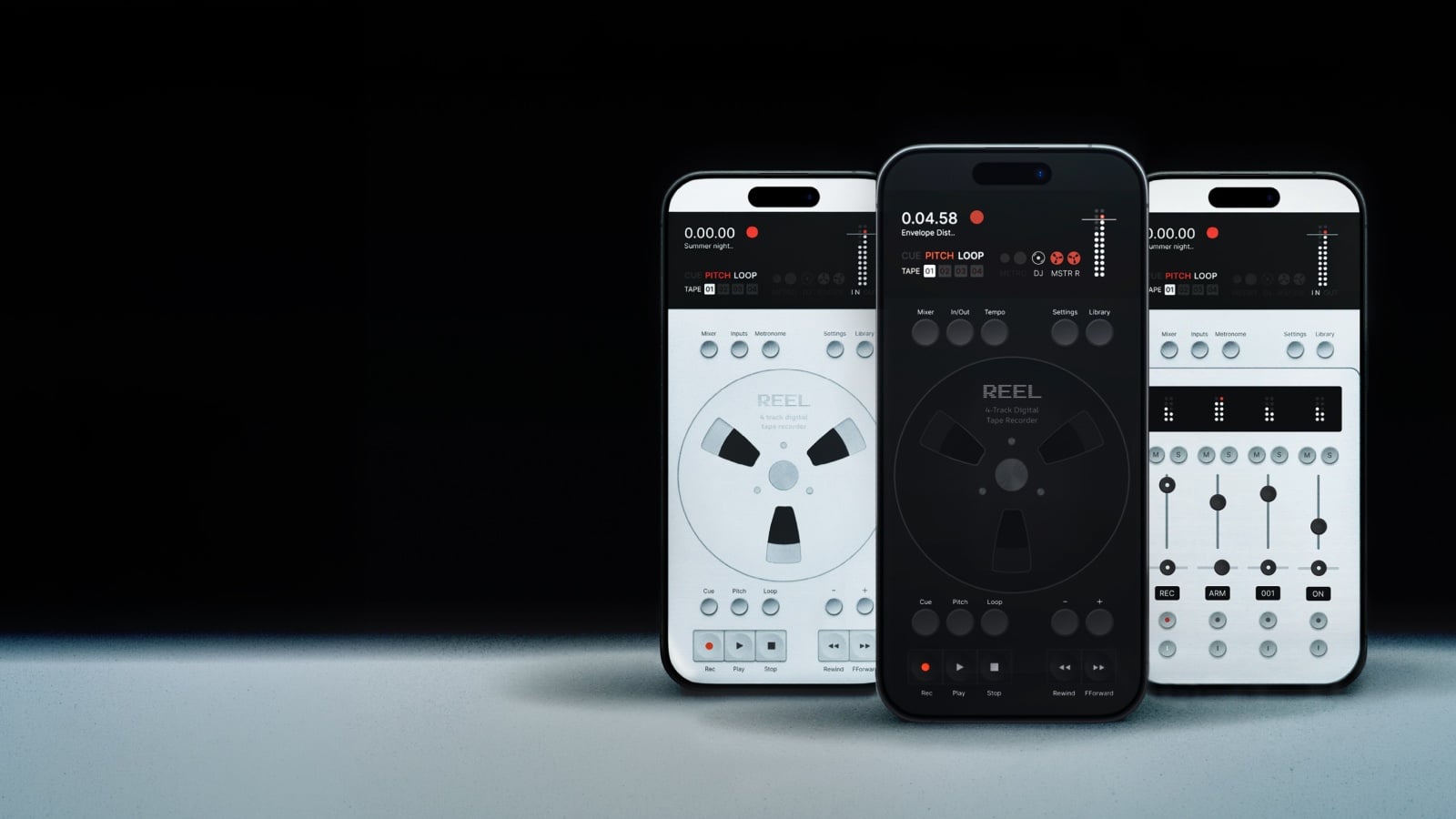
Pocket multitrack. Anywhere you go.
Get the update
Live in the App Store now.

Questions
Will it work with my audio interface?+
Yes. Reel works with any class-compliant USB interface or instrument. Plug in and it auto-routes.
Do I need an interface?+
No. The built-in iPhone mic works out of the box. An interface adds stereo input and higher quality when you want it.
Can I overdub or punch in on multiple tracks at once?+
A fresh reel records up to 4 tracks at once. Simultaneous multitrack needs a USB audio interface or a class-compliant instrument with multi-channel output, like the OP-1 Field. From there it works like tape: overdubs and punch-ins go one track at a time while the others play back.
Can I record more than 4 layers?+
Yes. Bounce or resample your tracks down onto one, then keep overdubbing the tracks you freed up. The classic tape workflow.
Where are the record arm and monitor buttons in the mixer?+
On smaller iPhones and on iPad, the mixer opens in a compact view. Tap the black display at the top of the mixer to extend it and the record arm and input monitor buttons appear. On larger iPhones the full mixer is already visible. The arm and monitor buttons also only show when a multi-channel audio device is connected.
Can I export stems?+
Yes. Export the full mix or the individual tracks, as 32-bit float WAV or AIFF, or as M4A.
Is it a subscription?+
No. One time purchase. No subscription, no ads.
Is there an iPad or Android version?+
Not yet, but both are on the way. Sign up to the newsletter below for early access.
What do I need to run it?+
An iPhone on iOS 18 or later.
Does it work on iOS 27?+
Yes. The 1.5.27 update is built and tested for iOS 27. Update to the latest version from the App Store and you are good to go.
More questions? Visit Support