
MTP on iOS: We Got the OP-1 Field, OP-XY and TP-7 Talking to an iPhone
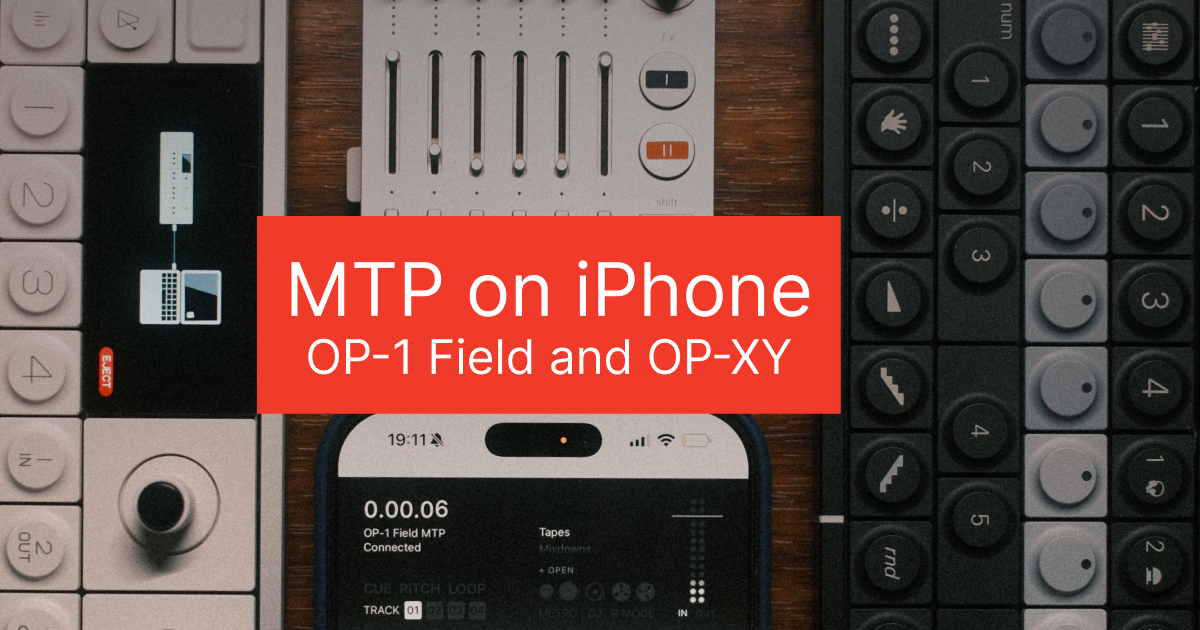
Eight tapes. That is everything an OP-1 Field holds. When the eighth one is full the next good idea has to take something's place, so you scroll through, pick the one you mind losing least and record over it. Everyone who owns one has done it. We are building the end of that into Reel. Put the Field into MTP mode, run a USB-C cable to your phone and a tape moves between the two machines. Off, into Reel, back again, with no computer anywhere.
The short answer
Yes, an iPhone can talk to an OP-1 Field over MTP. Put the Field into MTP mode, connect a cable and the tapes show up in Reel. A whole tape transfers as four separate tracks, any single track can go into any song and your mixdowns come across too. Anything you take off can be sent back.
The OP-XY connects the same way, with one extra trick. The project that made a performance gets kept alongside the recording, samples included, so you can send it back months later to pick up exactly where you left off.
The TP-7 does it too, which took us longest of the three. We call the whole thing tape swaps: two tape machines that can finally hand each other tapes.
It is coming to Reel. Not in the App Store version yet.
This was supposed to be impossible
Ask how to get a tape off an OP-1 Field using only your phone. You will get the same answer everywhere. You cannot. MTP on iOS is a closed door, go and find a laptop. That has been the settled wisdom for years. Every developer answer we have read says the same.
The door was never locked.
We first got tapes moving off an OP-1 Field and back onto it from an iPhone in June, both directions, which as far as we know no other app has done. The OP-XY followed. The TP-7 took until now. Everything since has gone on the harder half: making it reliable, making it safe and making sure it can never leave you worse off than when you started. How we did it stays with us, for reasons we hope are obvious. What it does for you is the rest of this.
The bit where you lose something
You know the one. Eight slots full, three of them half-finished things you are not ready to give up, the idea in your head needing somewhere to go right now, so something has to lose.
It is a strange gap in a machine that is otherwise a joy to use. The Field was built to be carried away from a desk. Everything you make on it then stays there until you go back to one.
Connect over MTP and they are just there
Put the Field into MTP mode, run a cable to the phone and Reel picks it up on its own, listing the tapes for you with no file browser, no import screen and nothing to go hunting through.
Looking touches nothing on the device. Browse all day.
A tape comes across whole
Pick one and it arrives intact, four tracks on the Field becoming four tracks in Reel, still separate. Nothing folded down to stereo. Nothing played back in real time so it can be caught again.
After that it is a reel like any other. Scrub it with the disc, set a loop and live in it for a while. Rebalance the parts, overdub the thing that never fit in the first place, take it somewhere strange with the pitch and print it. The sketch you made on a walk turns into something you can actually finish.
Reach into any tape for any part
You do not have to take all of it either. The four tracks arrive separately, so any one of them can drop into any single track of any reel you like.
That bassline from a tape you finished with a year ago, sitting under the song you started on Tuesday. A vocal you always liked but never used, now track three of something else. A drum pass recorded on a train, ending up somewhere it was never meant to be.
Eight sealed boxes become a parts bin.
And back it goes
A backup you cannot undo is not much of a backup, so it travels the other way too. A tape sitting on your phone can go back onto the Field.
Which is the whole thing, really. A tape lives between the two machines rather than on one of them. Bring it over to work on and send it back to play out on the Field where it belongs. Park the two you are not touching this month, free the slots, chase the new idea and pull the old ones back whenever you want them.
No more deciding what to lose.
Your mixdowns come too
The finished sides come across as well, mixed, done, which means they are somewhere you can use them rather than somewhere they are stuck. Play them back, keep them safe off the device, tidy the ends and send one to a friend from the bus.
OP-XY MTP: a take you can still open
The OP-XY gets a different idea. It is the one we like most.
You record a performance into Reel the way you would today. What is new is what sits next to it. The project that made that performance gets kept with the recording.
The point of it shows up months later, when you play the take back to find that the hats are too loud. Or the second half wants a different bassline. Or you have simply got better since. Normally that is where it ends, because the OP-XY moved on long ago. All you have left is a stereo file you can admire but not touch.
With the project sitting alongside, you send it back. Samples travel with it, so one transfer puts the whole thing back exactly as you left it rather than leaving you to hunt down the sounds it used. Move what you want to move. Play it again.
Which also means an evening spent dialling in a patch is not living on one device only. The sounds ride along with the project that used them.
The TP-7, the one we were told could not be done
Since the day Reel launched, the most requested thing from TP-7 owners has been the same sentence. Get my recordings off this device without a computer. For the past few months it has been our main obsession behind the scenes.
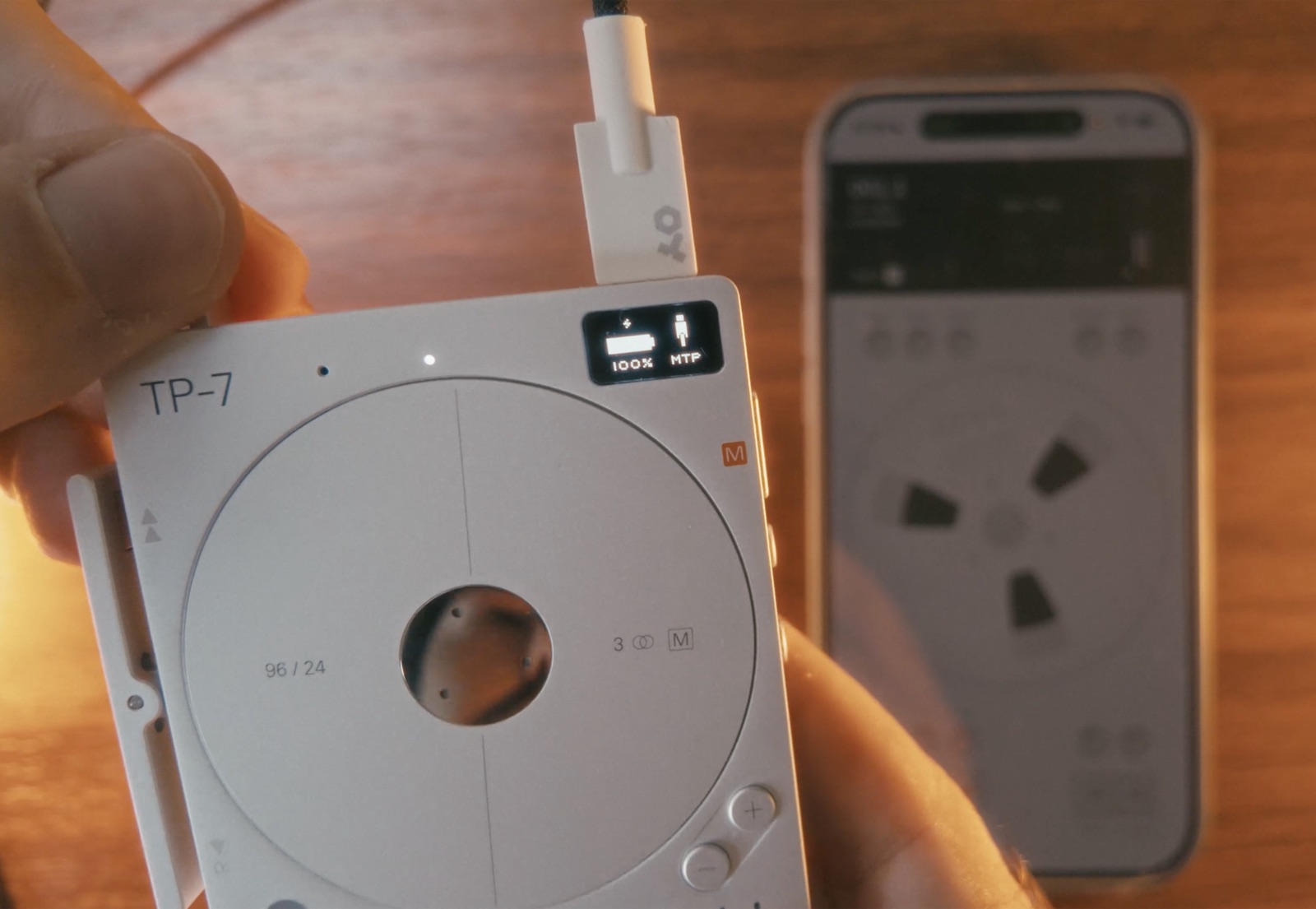
The problem is that in MTP mode the TP-7 does not talk to iPhones the way other devices do. Every transfer until now has meant a laptop in the middle. The accepted wisdom was that it flat out could not be done on iOS. No app has managed it. We heard the same thing from every direction, then we found a way in.
Plug a TP-7 straight into the phone, open Reel, browse its recordings on the reel display and copy a track across. No computer. No export dance. The file just moves. As far as we know that is a first on iPhone.
Here is what tape swaps do with it:
- Pull any TP-7 recording straight into Reel
- Multitrack takes land as multitrack reels, every track in its place, ready to play and overdub. Six-track takes included
- Work on it in Reel, then send it back to the TP-7 as a native take
- Back up every recording on the device to your phone
- Build a multitrack in Reel and send it to your TP-7 for further work
Why this exists
Honestly, because you kept asking. Every email, every feature request, every "any chance Reel could read my TP-7?" pushed it up the list until it was the only thing we were working on.
It is still in testing on our own devices. It works. More soon.
We will not touch what is on your device
One promise, built in from the start. Reel will never remove anything from your Field to make space for something else.
If all eight slots are full it says so, then stops, leaving you to decide what happens next. It will not quietly clear one for you. It will not write over a tape halfway through to leave you with neither, which is the failure that actually costs people work.
How long a transfer takes
A whole tape takes a while. That is the Field's own pace rather than the phone's, with no getting round it. Start it, leave the screen awake with Reel in front and put the kettle on.
Single tracks, patches and projects are quick.
Where this is up to
This is not in the App Store version of Reel yet. It works on our own devices, where we are building out the rest of it now, so if you are reading this hoping to do it tonight, you cannot. We would rather say so than have you buy the app to go looking for something that is not in it.
We will have more to say about when it lands closer to the time. Founders on the beta see it first.
Frequently Asked Questions
Does MTP work on iOS?
Yes. An iPhone can connect to a Teenage Engineering OP-1 Field or OP-XY over MTP to transfer files both ways, with no computer involved. It is not something iOS advertises. It is not something most apps do, which is why the assumption has been that it cannot be done. Reel is where we are building it.
How do I connect an OP-1 Field to an iPhone?
Put the OP-1 Field into MTP mode, connect it to the phone with a single USB-C cable. Reel picks the device up to list what is on it, so there is no import screen or folder to navigate. Browsing changes nothing on the device.
Can I back up OP-1 Field tapes without a computer?
That is what we are building into Reel. One cable between the OP-1 Field and an iPhone brings a tape across as a four-track project you can keep, play, work on. It is not in the shipping version of the app yet.
Can I put a tape back onto the OP-1 Field?
Yes, which is the point of it. A tape lives between the two machines rather than on one of them. Bring it across to work on in Reel, send it back to play on the Field. Park what you are not using, free the slot, pull the old tape back whenever you want it.
Can I import just one track from an OP-1 Field tape?
Yes. The four tape tracks arrive separately, so any one of them can go into any single track of any reel. A bassline from an old tape can drop straight into a song you started last week without bringing the rest of the tape with it.
Can you transfer files from an OP-XY to an iPhone?
Yes, over MTP with a single USB-C cable, no computer. Projects come across with their samples, so nothing gets separated from the thing that used it. They go back to the device the same way. What the OP-XY will not hand over is a finished bounce, which is why keeping the project alongside an audio recording is the useful move.
Can I save an OP-XY project with its recording?
That is the OP-XY idea. You record the performance into Reel, then the project that made it is kept alongside the recording. Samples travel with the project, so sending it back to the OP-XY months later puts the whole performance up exactly as you left it, with nothing to hunt down. Change something or take it again rather than being stuck with a stereo file.
Does it back up OP-1 Field mixdowns and patches?
Yes. Your finished sides come across mixed, ready to play back, keep or share from the phone. Patches come too, so the drum kits and synth sounds you built are not living on one device only. They can go back onto the Field the same way.
Does MTP transfer work with the Teenage Engineering TP-7?
Yes. In MTP mode the TP-7 does not talk to iPhones the way other devices do, which is why every transfer until now has meant a laptop in the middle. It was widely held to be impossible on iOS. We found a way in. Plug the TP-7 into the phone, browse its recordings in Reel and copy them across, then send takes back to the device as native takes. Multitrack takes land as multitrack reels, six-track takes included.
Is Reel the first app to do MTP transfer on iOS?
Yes. We first got it working back in June with the OP-1 Field, then the OP-XY, then most recently the TP-7, which no app on iOS had managed. Everything since has gone into how to implement it properly: reliability, safety and making sure a transfer can never leave you worse off than when you started. Getting a file to move is one thing. Trusting it with a year of tapes is another. We are not publishing how it works.
Will Reel delete anything on my OP-1 Field?
No, which we built around. Reel will never remove anything from your device to make space for something else. If all eight tape slots are full it says so, then stops. You decide what happens next.
Related guides
- Recording with OP-1 Field and iPhone →
- The Best Recorder for the OP-1 Field (2026) →
- How to Record Your OP-XY (and Why You Cannot Get Stems Over USB) →
- Making Music With the Teenage Engineering Field System: How the Pieces Work Together →
- Reel vs OP-1 Field →
- TP-7 File Transfer to iPhone: MTP Without a Computer →
More from the blog
TP-7 File Transfer to iPhone: MTP Without a Computer
Getting recordings off a Teenage Engineering TP-7 has always meant a computer. It does not any more. TP-7 MTP file transfer straight to an iPhone, multitrack takes staying multitrack, six-track takes included, and takes going back to the device. Coming soon to Reel.
How to Record Your OP-XY (and Why You Cannot Get Stems Over USB)
The OP-XY sends a stereo master, not stems. Why that myth exists, the exact levels and settings that matter, and the multi-out trick that gets you two submixes at once.
Author
Tug
Founder of 24bit Studio and the developer of Reel, a portable 4-track recorder for iPhone.