
The Best Recorder for the OP-1 Field (2026)
The OP-1 Field is a complete instrument, but sooner or later you want your ideas off it: to archive them, to mix them properly, or simply to free up one of its eight tapes. So which recorder should you pair with it? The usual answers are the TP-7 or a cheap handheld, and both can be right. There is one detail that decides it though, and most recommendations skip past it entirely. We make a four-track recorder for iPhone, so the last option below is ours and you should weigh it accordingly. The rest is just what the gear does.
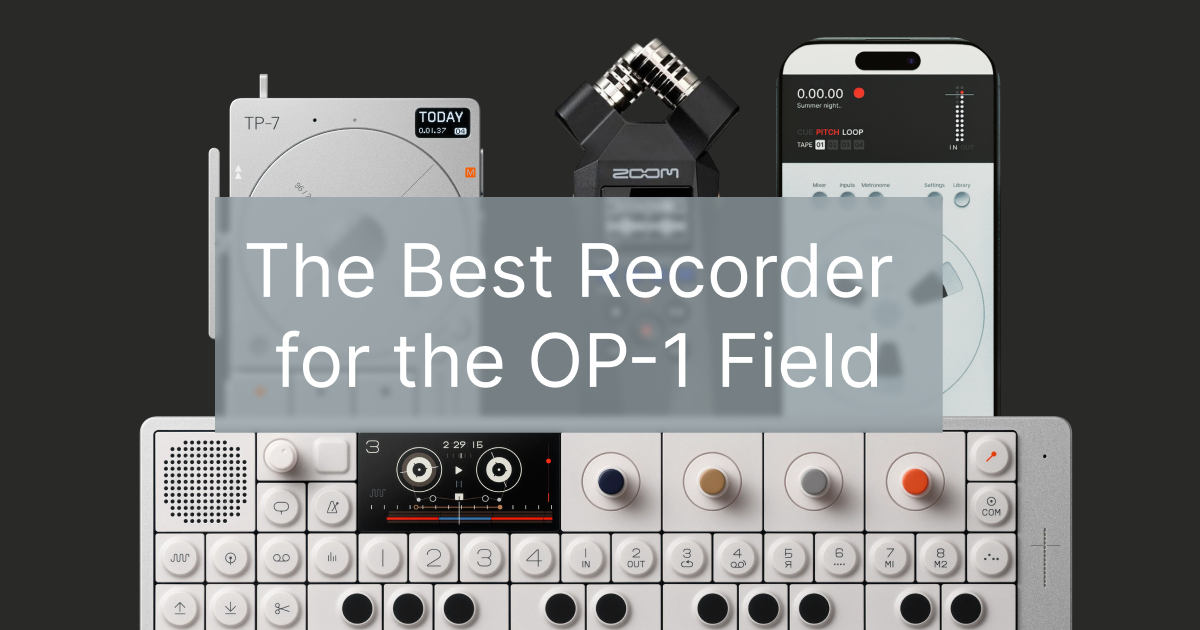
The thing that actually decides this
Before picking anything, understand what you stand to lose. The OP-1 Field records to a four-track tape, and those four tracks are the useful part. They are what let you rebalance a mix later, mute a part you went off, or drop a stem into a bigger arrangement.
Set the OP-1 Field to its 8-channel USB mode and it will send those tracks out separately. Plug it into most recorders, though, and you get a stereo mix instead: the four tracks summed down and gone. That is the fork in the road. If you only ever want a finished stereo bounce, almost any recorder works and you can buy cheap. If you want to keep the tracks separate, your options narrow sharply, and that is where the price differences start to make sense.
Teenage Engineering TP-7, if the budget is there
The TP-7 is the obvious pairing and it deserves the reputation. It records 24-bit at 96kHz across three stereo inputs, holds 128GB, and takes the OP-1 Field's tracks as separate stems, so nothing gets flattened on the way in. It is standalone, so no phone or laptop is involved, and it slots into the wider Field system with the TX-6 for mixing.
There is also the wheel, which is not a gimmick. Scrubbing a recording by hand is genuinely a nicer way to find a moment than tapping a timeline. At $1,499 it costs more than the OP-1 Field's own accessories combined, and only you can decide whether that is reasonable, but nobody buying one ends up confused about what they got.
A handheld recorder, if you want it simple
The recorders people usually suggest here are handhelds like the Zoom H1essential, around $99, which records 32-bit float and has its own mics and batteries. It is a lovely, uncomplicated thing: press record, walk away, no menus.
Be clear about the trade though, because this is the part that usually goes unsaid. A stereo handheld captures the OP-1 Field's output as a stereo mix. Your four tracks arrive as two, permanently. For capturing a jam or a live take that is completely fine, and 32-bit float means you will not clip it. For anything you intend to mix later, you have thrown away the flexibility before you started.
Your phone, if you want the stems without the price
This is the option the usual recommendations leave out. The OP-1 Field is class-compliant over USB, so in 8-channel mode it will send its four tracks to an iPhone as separate stems with no interface in between, over a single cable.
Our app Reel is built for that job: a four-track recorder that takes the OP-1 Field's tracks individually, records in 32-bit float, and lets you overdub and mix afterwards. It costs $14.99. It also keeps time with the machine now rather than with your thumb: MIDI clock and transport in both directions over the same cable, with tempo follow and song position, tested against an OP-1 Field. Other multitrack apps will do a version of this too. The honest caveat is that it is not a standalone device: you are using the phone in your pocket, so you are subject to its battery and to remembering to bring a cable. What you get in exchange is the multitrack capture the handhelds cannot do, without the machined price tag.
Three practical things before you try it. A USB-C iPhone or iPad connects straight over one cable. An older Lightning iPhone needs a Camera Adapter and, importantly, external power into the adapter, or it simply will not hold the connection. And set the OP-1 Field to eight-channel rather than ten if you are sending anything back to it, since the main-mix pair in ten-channel mode will feed back on itself.
Worth knowing what you are capturing, too: the master effects, EQ and drive are applied after the tape, so they are not in those four track streams. You get the tracks clean, which is usually what you want for mixing later, but it does mean the sound arriving in your recorder will not match what the OP-1 Field's own speaker is playing.
There is a full setup walkthrough in our guide to recording the OP-1 Field into an iPhone, including the 8-channel USB mode setting and the cable you need.
One alternative worth knowing about, because it costs nothing: the tape tracks already exist as separate files on the device. Connect it to a computer and you can copy them straight off, four WAVs per tape. Two catches. It has to be MTP rather than disk mode, since disk mode only exposes patch data, and macOS needs Teenage Engineering's Field Kit utility because it has no native MTP. Also those files are 32-bit PCM integer, which some DAWs, Ableton among them, import distorted; converting them first in Logic, GarageBand or Audacity fixes it. It is not real-time capture, but if you only want the stems off the device it beats buying anything.
So which one
Short version, by what you are actually trying to do.
- You want one beautiful standalone box, you work in the Field system, and the budget is not the deciding factor: the TP-7.
- You mostly capture jams and live takes as a finished stereo, and you want no fuss: a handheld like the Zoom H1essential.
- You want to keep the four tracks separate so you can mix later, and you would rather not spend four figures: your iPhone with a multitrack recorder.
- You already own a TX-6: it can sum your gear and feed whichever of the three you choose, so buy the recorder that matches the paragraph above rather than the one that matches your mixer.
One more thing about project slots
A practical reason people start looking for a recorder in the first place: the OP-1 Field holds eight tapes, each six minutes long. Once they are full, you either delete something or move it off the device. Worth knowing that a tape holds the audio only, not your instrument or mixer setup, so a tape is not quite the same thing as a project you can reopen exactly as you left it. That is the one thing a phone recorder does hold: a reel in Reel saves its mixer, pitch, loop, tempo, time signature and resume position, so it opens exactly as you put it down. Any of these three options solves that, but only the two that keep the tracks separate let you pick a project back up properly later. If archiving your work is the real motivation, that is worth weighing more heavily than the price.
Frequently Asked Questions
What is the best recorder for the OP-1 Field?
It depends on whether you want to keep the four tape tracks separate. The TP-7 ($1,499) is the best standalone match and records them as stems. A handheld like the Zoom H1essential (~$99) is simpler and cheaper but captures only a stereo mix. An iPhone with a multitrack app such as Reel ($14.99) keeps the four tracks separate for a fraction of the price, at the cost of not being a standalone device.
Can I record the OP-1 Field's four tracks separately?
Yes. Set the OP-1 Field to 8-channel USB mode and it sends its tape tracks out individually rather than as a stereo mix. You then need a recorder that accepts multichannel USB audio: the TP-7 does, and so do multitrack apps on an iPhone. Most stereo handheld recorders do not, so they will sum the tracks down.
Do I need a TP-7 to record my OP-1 Field?
No. The TP-7 is the most integrated option and the nicest standalone one, but it is not required. The OP-1 Field is class-compliant over USB, so it records into an iPhone or a computer directly over one cable, and a handheld recorder will capture a stereo mix from its output.
Will a Zoom recorder capture all four OP-1 Field tracks?
A stereo handheld like the Zoom H1essential will not. It records the OP-1 Field's output as a two-channel mix, so the four tape tracks are summed. It is a good, cheap way to capture a finished take, but not a way to keep stems for mixing later.
Why would I record my OP-1 Field at all?
Usually for one of three reasons: to archive ideas so they are not lost, to mix a piece properly with more control than the OP-1 Field's tape allows, or to free up tapes, since the OP-1 Field holds eight at a time.
Related guides
- Recording with OP-1 Field and iPhone →
- Making Music With the Teenage Engineering Field System: How the Pieces Work Together →
- TX-6 vs K.O. Sidekick: Which Teenage Engineering Mixer for iPhone and iPad? →
- Reel vs OP-1 Field →
- Reel vs TP-7 →
- MTP on iOS: OP-1 Field and OP-XY Transfer →
- TP-7 File Transfer to iPhone: MTP Without a Computer →
More from the blog
TP-7 File Transfer to iPhone: MTP Without a Computer
Getting recordings off a Teenage Engineering TP-7 has always meant a computer. It does not any more. TP-7 MTP file transfer straight to an iPhone, multitrack takes staying multitrack, six-track takes included, and takes going back to the device. Coming soon to Reel.
MTP on iOS: We Got the OP-1 Field, OP-XY and TP-7 Talking to an iPhone
MTP on iOS was supposed to be impossible. It is not. Move recordings between an iPhone and an OP-1 Field, an OP-XY or a TP-7 with no computer in the middle. Tapes come across as separate tracks, single tracks lift into other songs and everything can be sent back to the device. Coming to Reel.
Author
Tug
Founder of 24bit Studio and the developer of Reel, a portable 4-track recorder for iPhone.